Demo
Screenshots
-
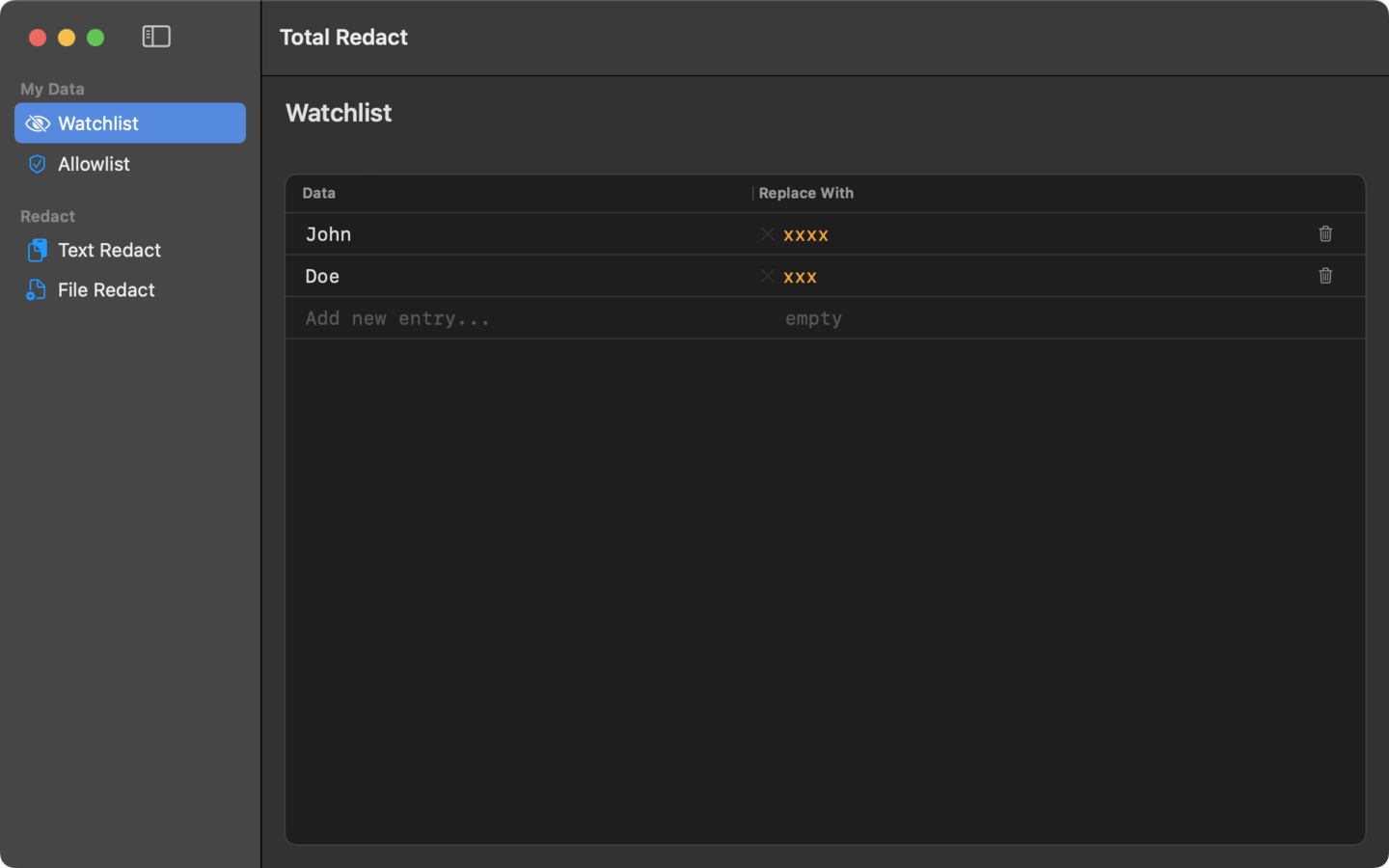
Watchlist Your sensitive values, encrypted on disk. Add the names, addresses, and identifiers you always want caught. Stored locally in the macOS Keychain.
-
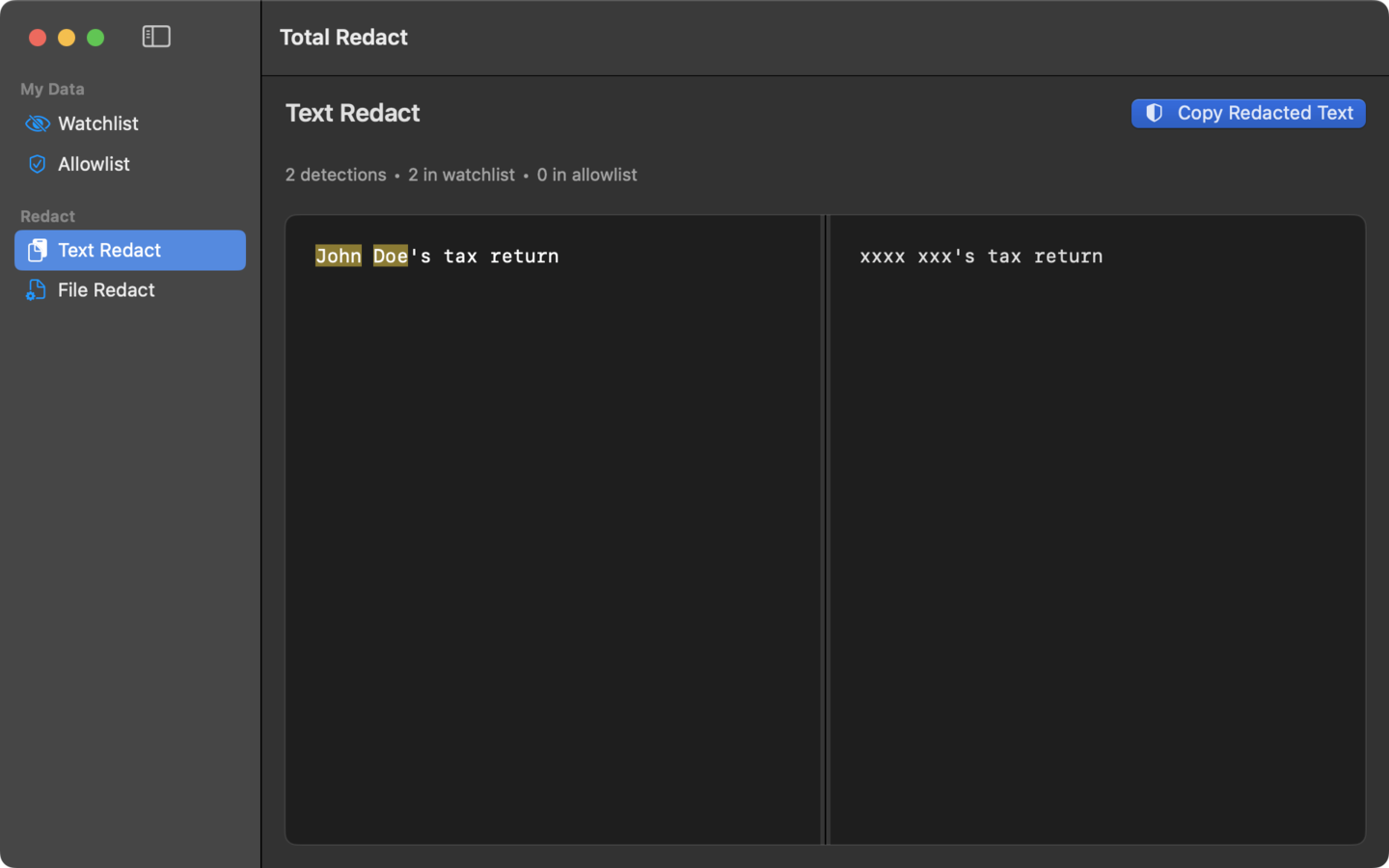
Quick paste Paste text. Get it back, anonymized. Useful for chats, support tickets, and prompts you are about to send to an LLM.
-
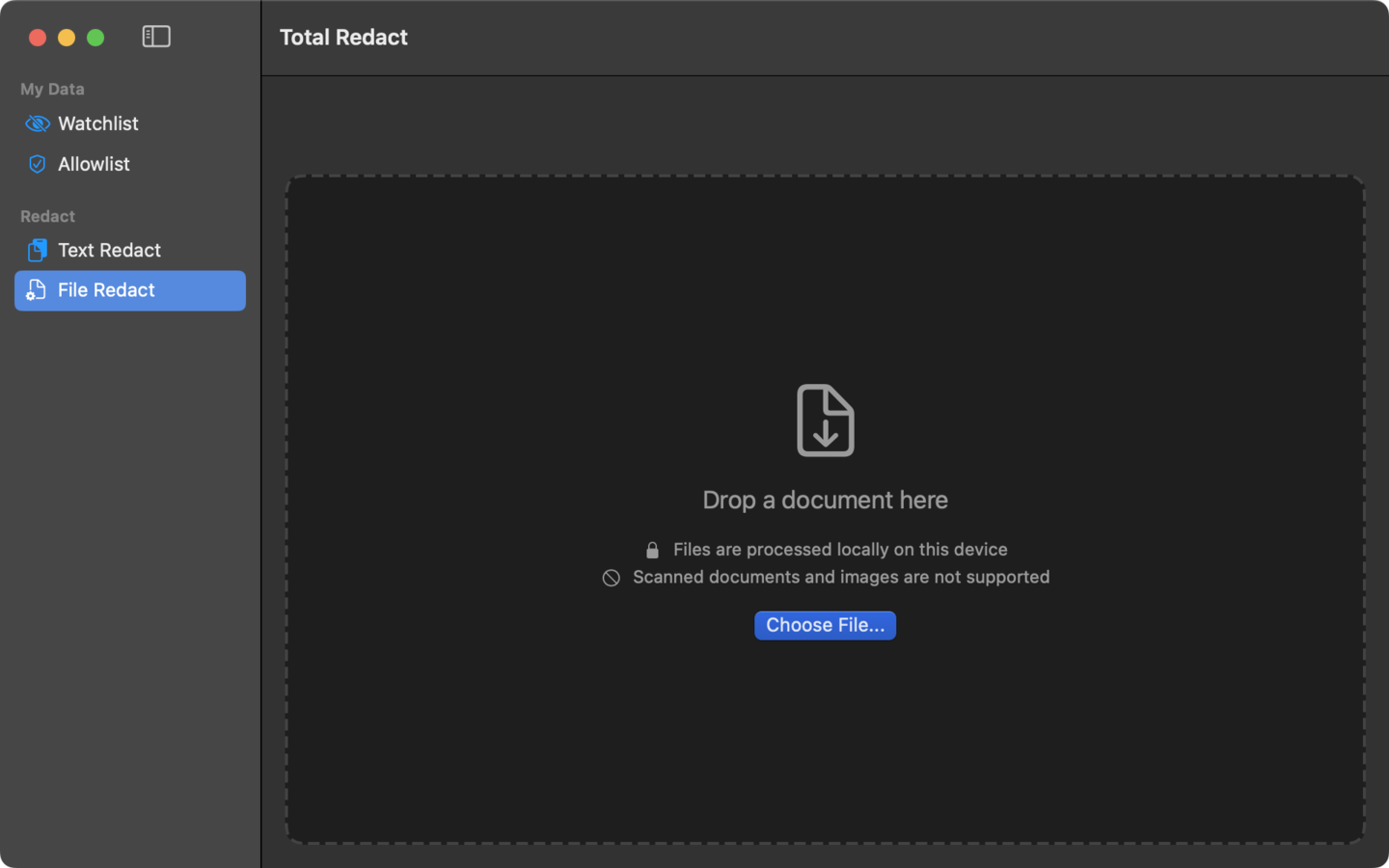
File redaction, step 1 Drop in a file. Analysis runs on your Mac. PDF, Word, Excel, PowerPoint, CSV, HTML, plain text, and email files. Processed entirely on your Mac. No cloud service involved.
-
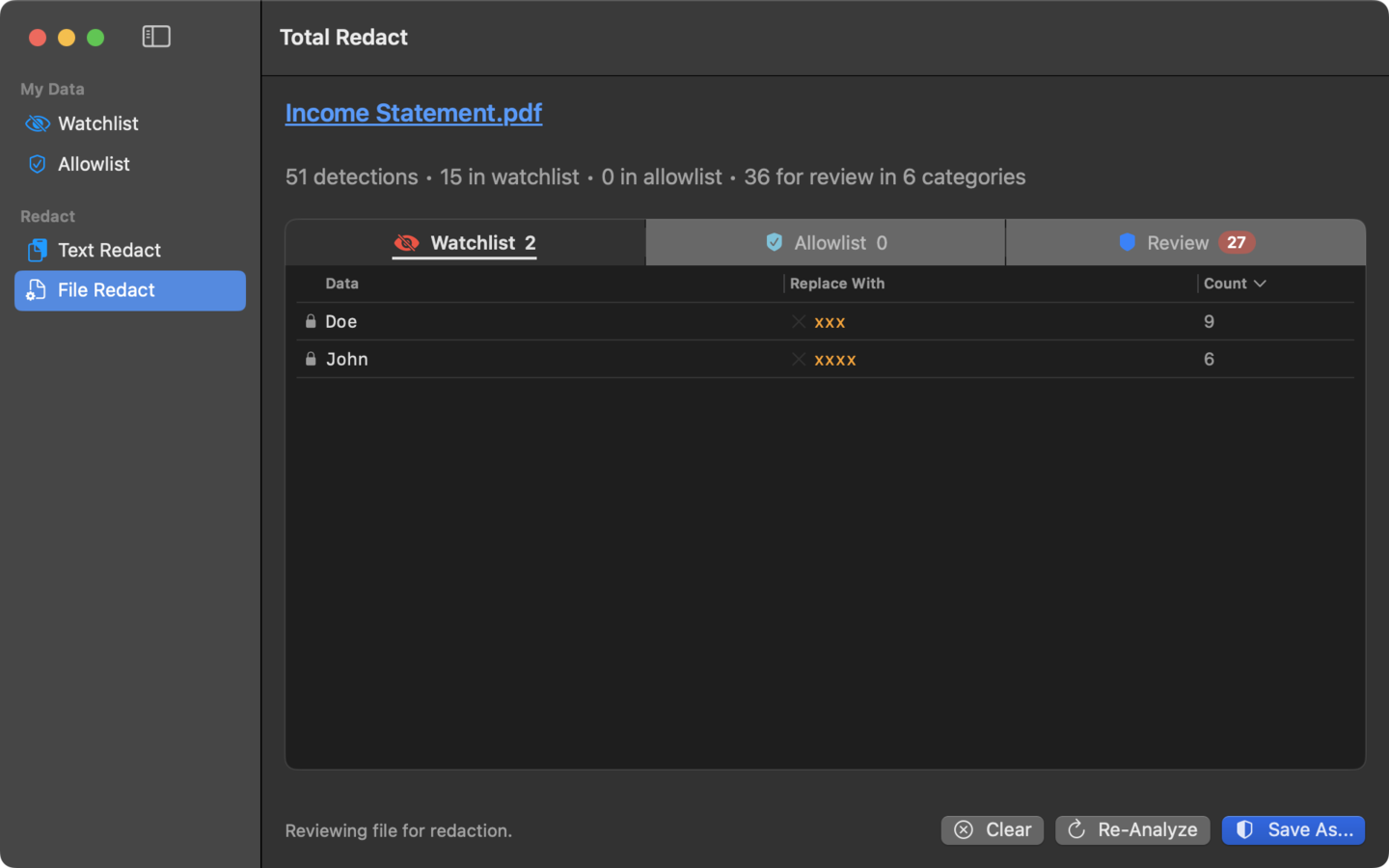
File redaction, step 2 Watchlist matches surface first. Data in your watchlist will always be detected for redaction.
-
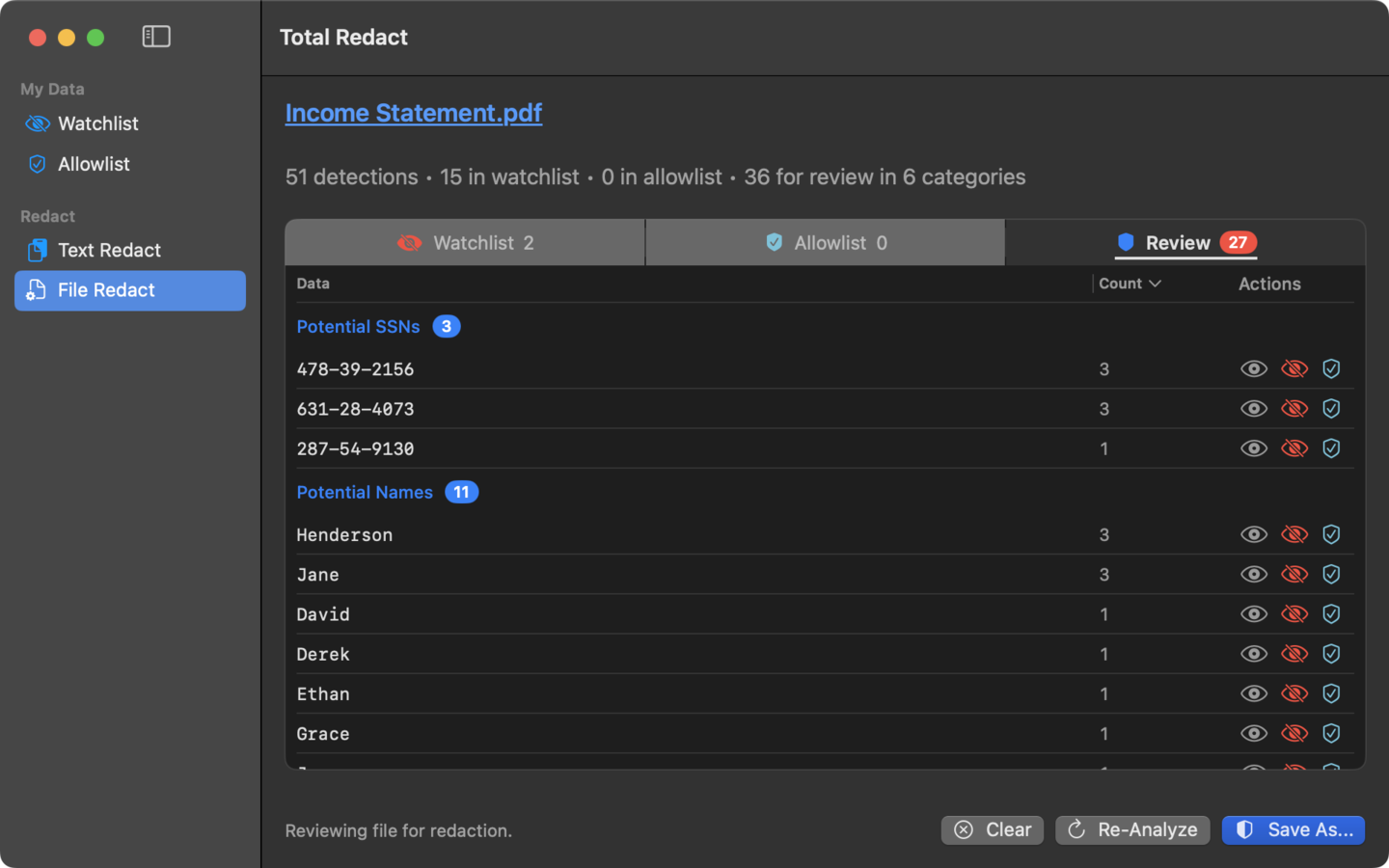
File redaction, step 3 Review every match. Approve, edit, or skip. Out of the box, Total Redact catches names, physical addresses, social security numbers, phone numbers, email addresses, dates of birth, and credit card numbers. Detection runs through a combination of regex patterns and a local machine learning model.
-
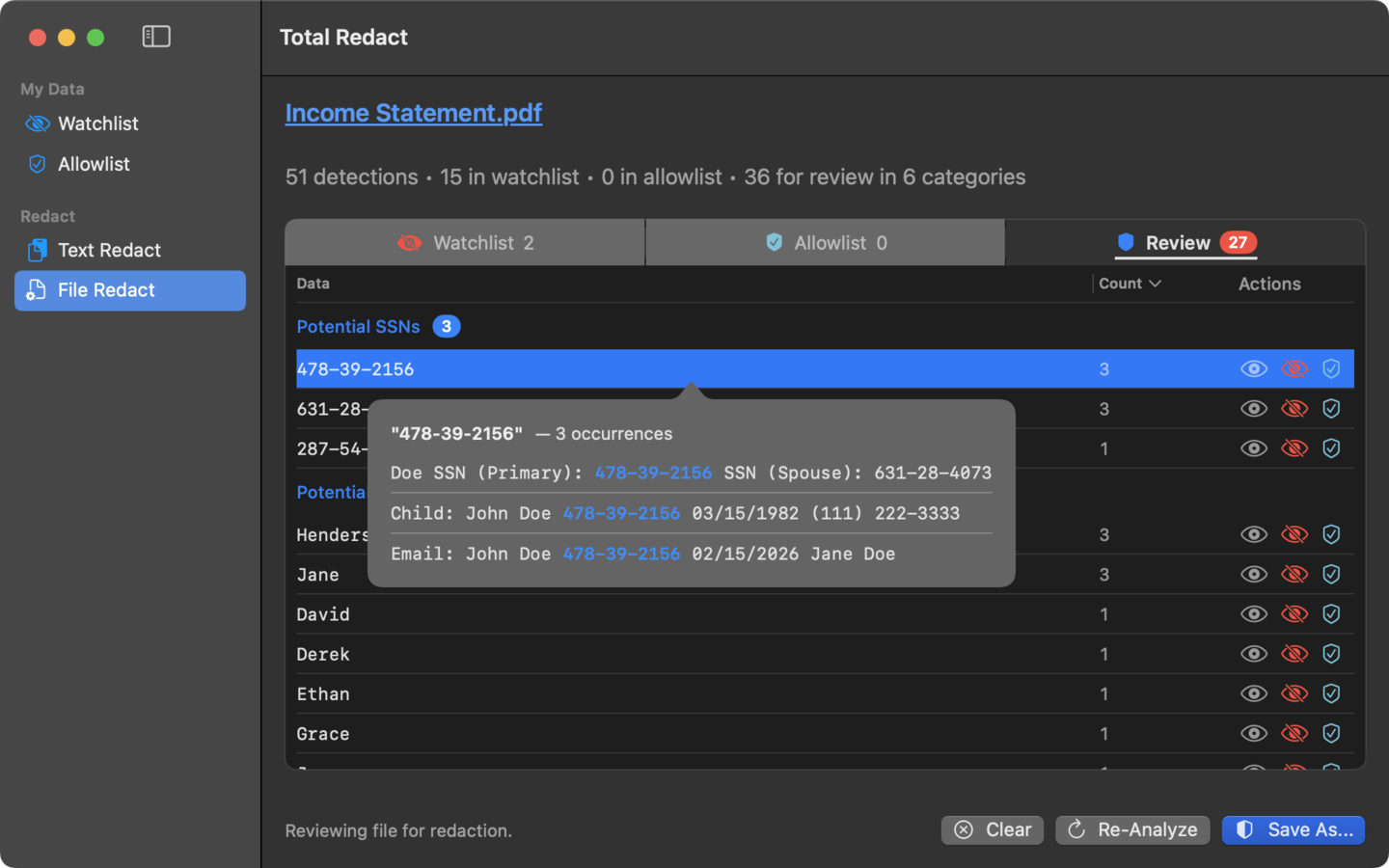
File redaction, step 4 Every occurrence, in context. View all occurrences of potentially sensitive data to help you make a decision.
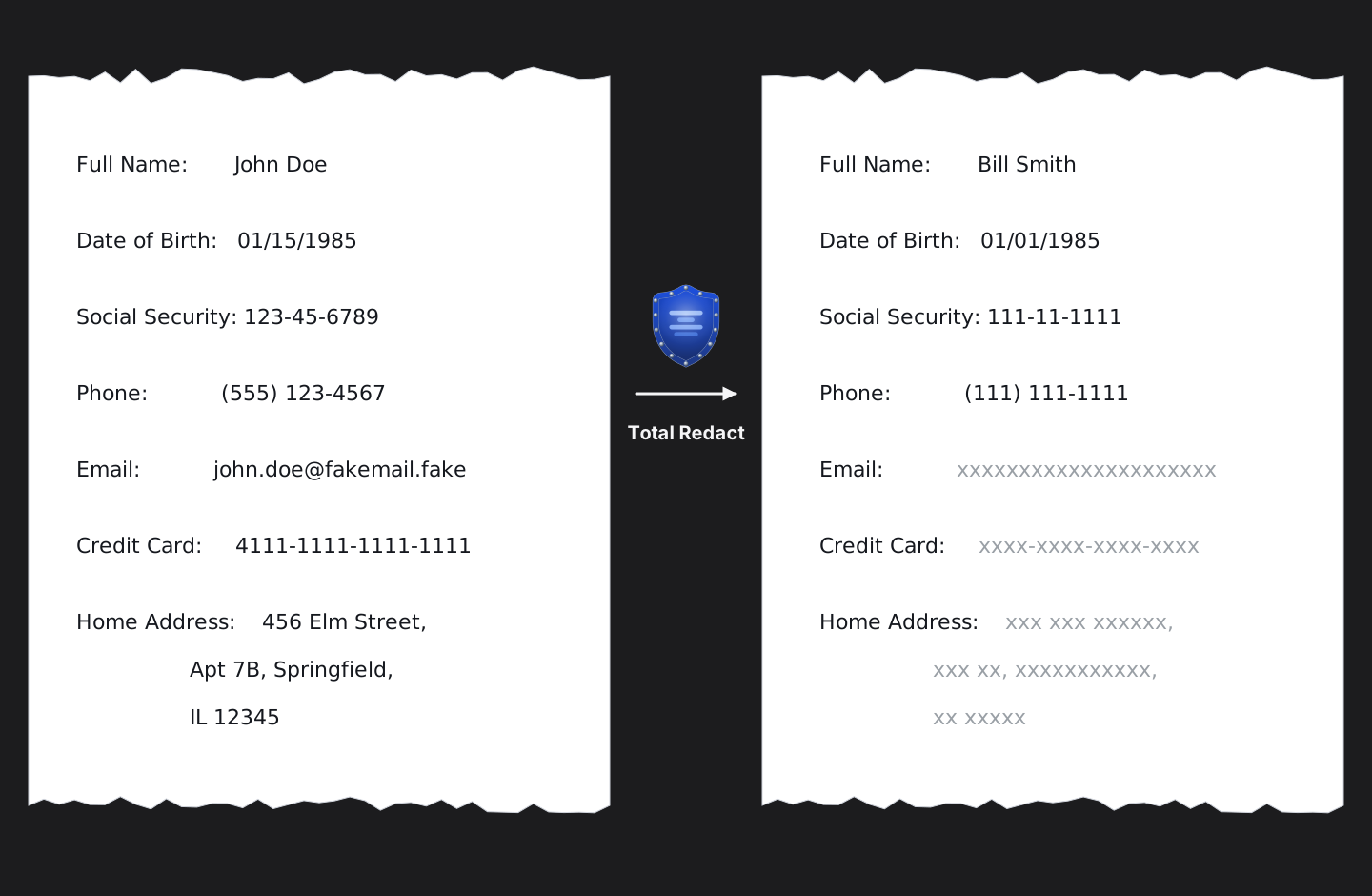
What goes in. What comes out.
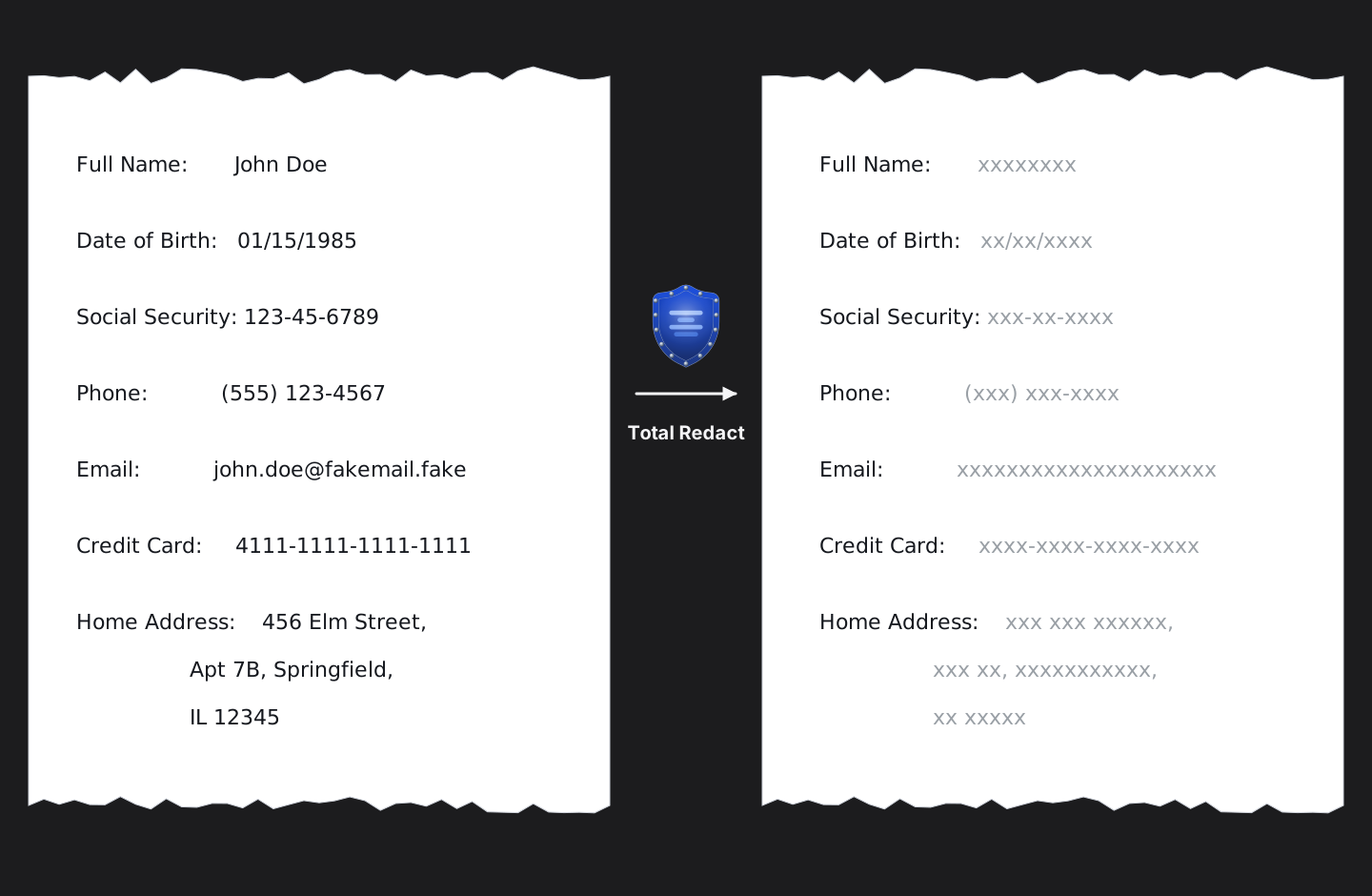
You pick the replacement.
Many of us now pass personal information to AI. Replacing real names with xxxxxxxx makes the document hard to discuss with the assistant. Replacing “John Doe” with “Bill Smith” gives it a usable name without giving up the real one. Each field is yours to choose. Keep a friendly stand-in for the ones the model needs to reference, blank out the ones it does not.